4-295-326-11 (2)
Getting Started
Identifying the parts
Rear
MENU (menu) button
/
(left/right) button
ENTER (enter) button
(on/standby) button
(USB A) connector (DPF-C1000/C800/C700 only)
Memory card slot
Holes for hanging the unit on the wall
Stand
DC IN jack
Compatible Memory Card/USB memory
Yo u can view images only by inserting a memory card (“Memory Stick Duo” or SD memory card) or USB memory
removed from a digital camera or equivalent into the photo frame.
Usable Memory Card Attaching the adaptor
“Memory Stick Duo” (Not compatible with
“MagicGate”/Compatible with “MagicGate”)
“Memory Stick PRO Duo”
“Memory Stick PRO-HG Duo”
Not necessary
“Memory Stick Micro” (“M2”)
“M2” adaptor (Duo size)
SD memory card/SDHC memory card Not necessary
miniSD/miniSDHC card
miniSD/miniSDHC card adaptor
microSD/microSDHC card
microSD/microSDHC card adaptor
USB memory (DPF-C1000/C800/C700 only)
No card adaptor is supplied with the photo frame.
A “Memory Stick” (standard) cannot be used.
If you insert a memory card that requires an adaptor into a slot without an adaptor, it may not be removable.
In this photo frame, do not use the card adaptor with another card adaptor in which a memory card is inserted.
We cannot guarantee insertion of all types of memory cards and connection with all types of USB memory devices.
Attaching the stand
Align the claw of the stand with the bottom of the unit then insert it firmly until it clicks as illustrated.
Do not place the photo frame on an unstable or tilted surface.
Do not carry the photo frame by holding only the stand. The photo frame may fall.
To hang the photo frame on the wall
1 Prepare commercially available screws suitable for the holes on the rear of the unit.
4 mm
(/ inch)
More than 25 mm
(1 inch)
ф5 mm
(/ inch)
10 mm
(/ inch)
Hole on the rear panel
2 Drive the screws (commercially available) into the wall.
Make sure the screws protrude 2.5 mm to 3 mm (approx. / inch) from the surface of the wall.
2.5 mm – 3 mm
(/ inch)
Approx.
3 Hang the photo frame on the wall by fitting the screw head through the hole on the rear of the
unit.
Use screws suited for the wall material. The screws may be damaged, depending on the type of material used in the wall. Drive
the screws to the stud in the wall or a pillar.
Firmly tighten the screws to prevent the photo frame from falling.
When you want to reinsert the memory card, remove the photo frame from the wall, then eject and reinsert the memory card
while the photo frame is lying on a stable surface.
Remove the stand before hanging the photo frame on the wall.
Connect the DC cable of the AC adaptor to the photo frame and hang the photo frame on the wall. Then plug the AC adaptor to
the wall outlet.
Sony takes no responsibility for any accidents or damage caused by improper attachment, misuse, natural disasters, etc.
While the photo frame is mounted on the wall, it may fall if you use buttons on it. Support it carefully so as not to drop it.
Turning on the photo frame
Connecting the AC adaptor
Connect the AC adaptor as illustrated below.
The photo frame is automatically turned on.
To the DC IN connector
To a wall outlet
When using the photo frame for the first time
Proceed to “
Setting up the photo f r a m e”. If you have
not operated the photo frame for an extended period of time, the demonstration display begins.
If the initial settings have been already made
Proceed to “Let’s Use the Photo F r a m e”.
Turning on/off the photo frame
To turn the photo frame on
Press
(on/standby).
To turn the photo frame off
Hold
(on/standby) pressed until the power is turned off.
Connect the AC adaptor to an easily accessible wall outlet close by. If trouble occurs while using the adaptor, immediately shut
off the power by unplugging the AC adaptor from the wall outlet.
If you will not be using the photo frame for a long time, press
(on/standby) to turn the unit off after use, then disconnect the
AC adaptor from the DC IN jack on the unit and unplug the AC adaptor from the wall outlet.
Do not short-circuit the plug of the AC adaptor with a metal object. Doing so may cause a malfunction.
Do not use the AC adaptor placed in a narrow space, such as between a wall and furniture.
Do not disconnect the AC adaptor from the photo frame while the photo frame is on. Doing so may damage the photo frame.
The supplied AC adaptor is for exclusive use with this photo frame. It cannot be used with other equipment.
Setting up the photo frame
Before using the photo frame for the first time, make the initial settings, following the instructions on the screen.
The settings can be changed later.
1 Press [MENU].
The initial setting display appears.
Move the blue box with
/
to select an item then press [ENTER] to set it.
The current setting is underlined in yellow.
2 Set the date.
Set the year, month, and day with
/
then press [ENTER].
Press
to select the year, month or day then press [ENTER]. Correct the number
with
/
then press [ENTER].
Press
to select at lower right on the display then press [ENTER].
The display format for the date is selectable.
DD-MM-YYYY: Day-Month-Year
MM-DD-YYYY: Month-Day-Year
YYYY-MM-DD: Year-Month-Day
3 Set the time in the same operation of date setting in step 2.
Set the hour, minute, and second, using
/
and [ENTER], respectively.
Press
to select at lower right on the display then press [ENTER].
The display format for the time is selectable.
AM/PM 12H: 12-hour display
24H: 24-hour display
4 Set the timer if desired.
Yo u can set the photo frame to turn on/off automatically at a specified time.
Except for European models:
To set
Refer to steps 3 and 4 of “ To set the timer” on the reverse side.
Not to set
Press
to select at lower right on the display then
press [ENTER].
For European models:
Yo u can set the photo frame to turn off automatically at a specified time.
(Auto OFF setting)
: The power is turned off after 4 hours.
: The power is turned off after 2 hours.
: The Auto OFF setting is not active.
Press
to select at lower right on the display then press [ENTER] to
confirm.
5 Select the Demonstration mode setting with
/
then press
[ENTER].
ON: The demonstration display appears.
OFF: The clock display appears.
6 Press
to select at lower right on the display then press
[ENTER].
This completes the initial settings.
When the Demonstration mode setting is set to [OFF], the clock display will appear automatically after a while.
Let’s Use the Photo Frame
Enjoying a slideshow
Insert a memory card or USB memory.
Insert memory card or USB memory firmly into the corresponding slot with its label side facing away from the
screen.
Playback automatically begins and images on the memory card are displayed one after another as a slideshow.
Have the label of memory cards
facing outward
USB memory
(DPF-C1000/C800/C700 only)
SD memory card
( slot)
“Memory Stick Duo”
( slot)
If multiple memory card are inserted into the memory card slots /, the photo frame will not work properly.
If you insert a memory card or USB memory into an empty slot or connector when another memory card or USB memory has
already been inserted, the images from the latter inserted will be displayed.
To pause the slideshow (Single view)
Press [ENTER]. The previous or next image can be displayed with
/
.
To resume the slideshow, press [ENTER] again.
To remove the memory card
Press [MENU] to activate the menu display.
Remove the memory card from its slot in the opposite direction from which it was inserted.
The clock display will appear if the Demonstration mode setting is set to [OFF].
During a slideshow, do not remove the memory card. Doing so may damge the data recorted in the mamory card.
Changing the view mode
Yo u can change the slideshow view style or the clock style, or change to the index image display.
Changing slideshow styles
1 Press [MENU].
2 Press
/
to select (Slideshow) then press [ENTER].
3 Press
/
to select the desired slideshow view style then press [ENTER].
Single view
Displays a single screen, one after another.
Multi image view
Displays multiple images at the same time.
Clock view
Displays a clock with current date and time while showing images one after another.
Random view
Displays images while switching among the various slideshow styles and effects.
Changing clock styles
1 Press [MENU].
2 Press
/
to select (Clock) then press [ENTER].
3 Press
/
to select the desired clock or calendar style then
press [ENTER].
Before operating this unit, please read this manual thoroughly and retain it for future reference.
Enjoy Images with the Digital Photo Frame!
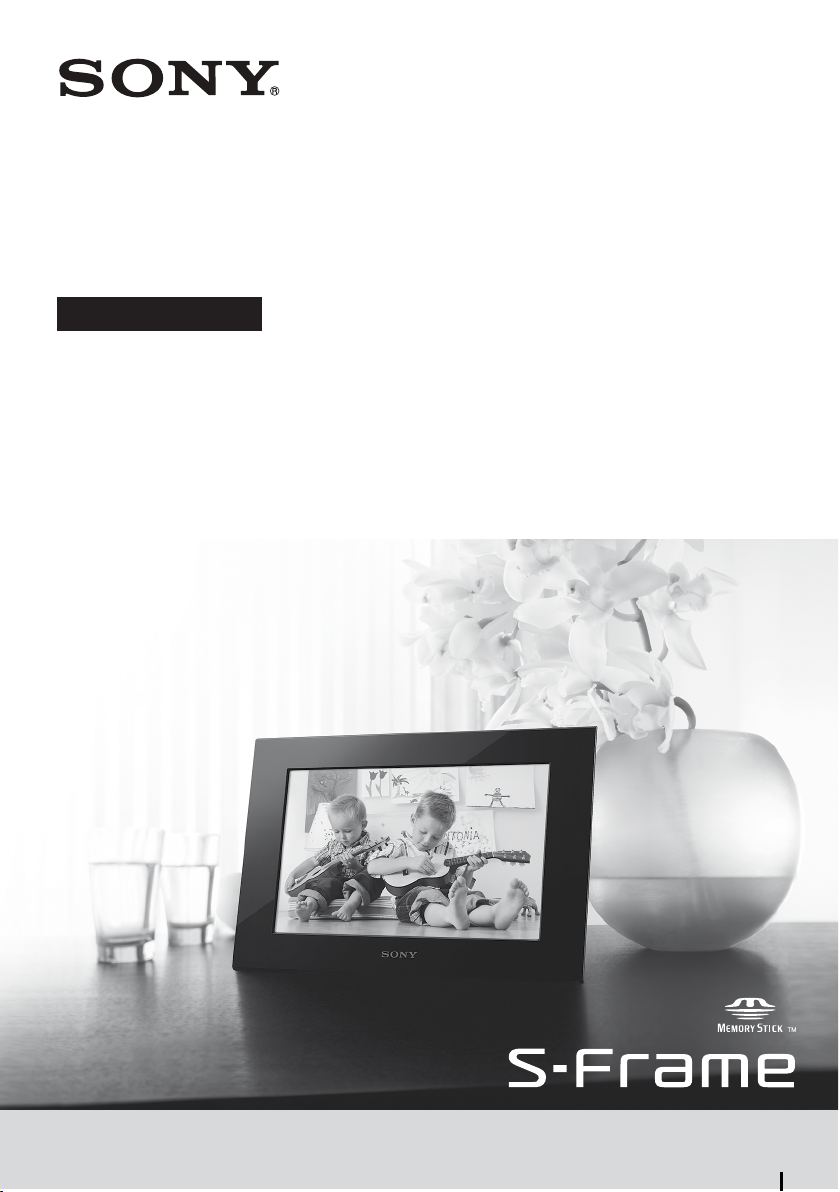
The Sony digital photo frame enables you to view images from
other equipment (a digital camera, for example) on the LCD
screen easily.
Operation is very simple. Insert a memory card in which images
are stored. A slideshow of your memorial photos starts.
The digital photo frame can be used as a clock after you eject the
memory card.
Notes on the descriptions in this manual
The illustrations and screenshots in this manual are of the DPF-C1000 unless otherwise noted. The
illustrations and screenshots in this manual may not be identical to those actually used or displayed.
Not all models of the digital photo frame are available in all countries and regions.
The factory setting for the date or the clock display style differs according to country and region.
“Memory card” in this manual means memory card or USB memory, except where specific explanations
for each are given.
Checking the included items
Digital photo frame (1)
Stand (1)
AC adaptor (1)
Exchange panels (2) (DPF-C70E only)
Operating Instructions (this manual) (1)
Warranty (1) (In some regions, the warranty is not packaged with the product.)
DPF-C1000/C800/C700/C70A/C70E
Digital Photo Frame
Operating Instructions
Continued


Pridružite se razgovoru o ovom proizvodu
Ovdje možete podijeliti što mislite o Sony DPF-C1000 Digitalni okvir za fotografije. Ako imate pitanja, prvo pažljivo pročitajte priručnik. Zahtjev za priručnik možete izvršiti putem našeg obrasca za kontakt.
odgovori | Ovo je bilo korisno (0) (Preveo Google)