Priručnik Truelife NannyCam R7 Dual Smart Monitor za novorođenčad

Trebate priručnik za svoj Truelife NannyCam R7 Dual Smart Monitor za novorođenčad? U nastavku možete pogledati i besplatno preuzeti PDF priručnik na hrvatskom jeziku. Ovaj proizvod trenutno ima 2 često postavljanih pitanja, 0 komentara i ima 1 glas s ​​prosječnom ocjenom proizvoda 0/100. Ako ovo nije priručnik koji želite, kontaktirajte nas.

Vaš je proizvod neispravan i priručnik ne nudi rješenja? Otvorite Repair Café za besplatne usluge popravka.

Priručnik

Loading…
4
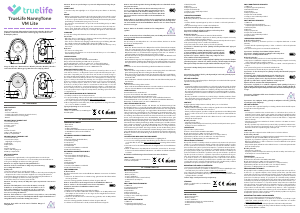
3. Using the tripod thread
a. Place and secure the TrueLife NannyCam Holder (sold separately) to the chosen location.
b. Screw the camera onto the thread.
PAIRING THE CAMERA TO THE PARENT UNIT
The camera and parent unit should already be paired out of the box, so you just need to turn them both
on. If this connection fails, you can easily pair the two devices using the steps below.
Pairing:
1. When pairing, place the camera and parent unit as close as possible to each other.
2. Press the MENU button, use the ARROW buttons to move to the settings icon
and conrm with the
OK button. In settings, navigate to the camera icon and conrm again.
3. Select Camera 1.
4. Hold the CALL/PAIR button on the camera for about 5 seconds until you hear a beep.
5. Press the OK button on the parent unit.
6. Pairing is conrmed by a blue LED on the camera and a notication on the parent unit.
Unpairing:
If connection problems exist between the camera and the parent unit, you can unpair and re-pair the
camera.
1. Press the MENU button, use the ARROW buttons to move to the settings icon
and conrm with the
OK button. In settings, navigate to the camera icon and conrm again.
2. Select Camera 1.
3. Long press the OK button and the camera will disconnect from the parent unit.
4. Re-pair the camera and parent unit using the steps described above.
Pairing a second camera:
It is possible to purchase a second camera and pair it with the same parent unit. The pairing process is
the same, simply select „Camera 2“ during the pairing process.
PAIRING WITH THE APP
The camera can be paired with the parent unit and the smartphone app at the same time.
1. Download the app
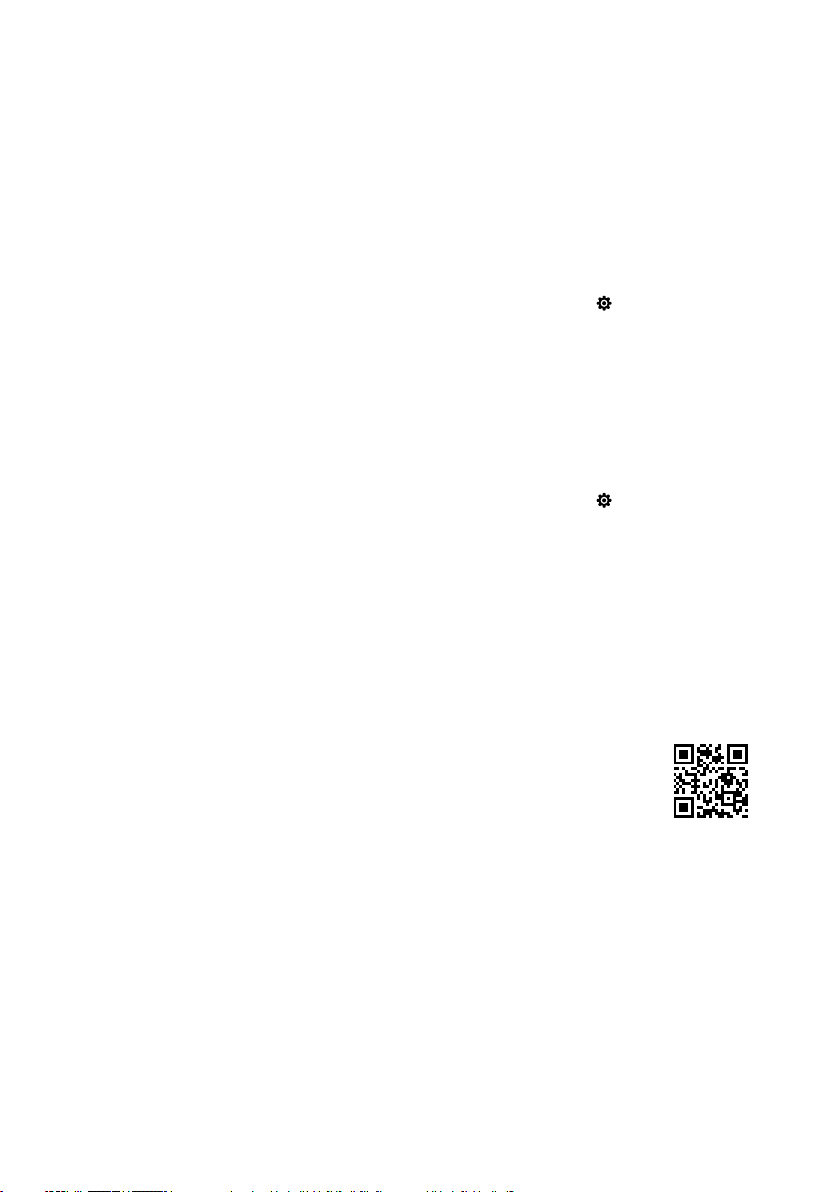
Scan the QR code or enter the URL:
truelife.eu/57714/app
2. Register or log in with your existing account
a) Sign up
1. If you don‘t have an account in the app yet, press Sign Up. Select your country/region and ll in your
email address. Please read the Privacy Policy carefully and check the I Agree box.
2. Next, press Get Verication Code and write down the six-digit code you receive in your email inbox.
3. Now set your password (6-20 characters with a combination of letters and numbers) and press Done.
Note: The code is only valid for 60 seconds. If you have not used it within that time, press Resend and ll in
the code again. If you do not receive the code again, check your email spam folder.
b) Sign in with an existing account
1. If you already have an account in the app, press Log In. Select country/region, ll in your email
address and enter your password.
Preuzmite priručnik na hrvatskom jeziku (PDF, 0.46 MB)
(Čuvajte okoliš i ovaj priručnik ispišite samo ako je nužno)

Loading…

Ocjena

Ostavite ocjenu proizvoda Truelife NannyCam R7 Dual Smart Monitor za novorođenčad i recite nam što mislite o njemu. Želite podijeliti svoje iskustvo s proizvodom ili postaviti pitanje? Ostavite komentar na dnu stranice.
Jeste li zadovoljni s Truelife NannyCam R7 Dual Smart Monitor za novorođenčad?
Da Ne
0%
100%
1 glas

Pridružite se razgovoru o ovom proizvodu

Ovdje možete podijeliti što mislite o Truelife NannyCam R7 Dual Smart Monitor za novorođenčad. Ako imate pitanja, prvo pažljivo pročitajte priručnik. Zahtjev za priručnik možete izvršiti putem našeg obrasca za kontakt.

Više o ovom priručniku

Razumijemo da je lijepo imati papirnati priručnik za svoj Truelife NannyCam R7 Dual Smart Monitor za novorođenčad. Uvijek možete preuzeti priručnik s naše web stranice i sami ga ispisati. Ako želite imati originalni priručnik, preporučujemo da kontaktirate Truelife. Oni bi mogli osigurati originalni priručnik. Tražite li priručnik za svoj Truelife NannyCam R7 Dual Smart Monitor za novorođenčad na drugom jeziku? Odaberite željeni jezik na našoj početnoj stranici i potražite broj modela da vidite imamo li ga na raspolaganju.

Tehnički podaci

Marka Truelife
Model NannyCam R7 Dual Smart
Kategorija Monitori za novorođenčad
Vrsta datoteke PDF
Veličina datoteke 0.46 MB

Svi priručnici za Truelife Monitori za novorođenčad
Više priručnika za Monitori za novorođenčad

Često postavljana pitanja o Truelife NannyCam R7 Dual Smart Monitor za novorođenčad

Naš tim za podršku pretražuje korisne informacije o proizvodu i odgovore na česta pitanja. Ako u častim pitanjima naiđete na netočne informacije, obratite nam se putem obrasca za kontakt.

Zašto je raspon monitora za novorođenčad manji od onoga navedenoga u brošuri/uputama? Potvrđeno

Proizvođači određuju raspon na temelju upotrebe bez prepreka kao što su zidovi ili katovi. Ako raspon nije dovoljan, monitor smjestite tako da ćete prepreke svesti na najmanju moguću mjeru.

Ovo je bilo korisno (685) Čitaj više

Kad slušam svoju bebu, jasno čujem disanje, ali baby monitor mi to ne dopušta. Zašto je to? Potvrđeno

To je zbog osjetljivosti dječjeg monitora. Prilagodite postavke tako da budu osjetljiviji i pobiju tiše zvukove.

Ovo je bilo korisno (374) Čitaj više
Priručnik Truelife NannyCam R7 Dual Smart Monitor za novorođenčad

Povezani proizvodi

Povezane kategorije

×
Download